
Runs on your device
Annotation, whiteboards, and widgets work locally. Nothing is sent off your PC to use the app.
Powerful desktop annotation for teachers and professionals. Annotate directly over any app with a clean, distraction-free interface.
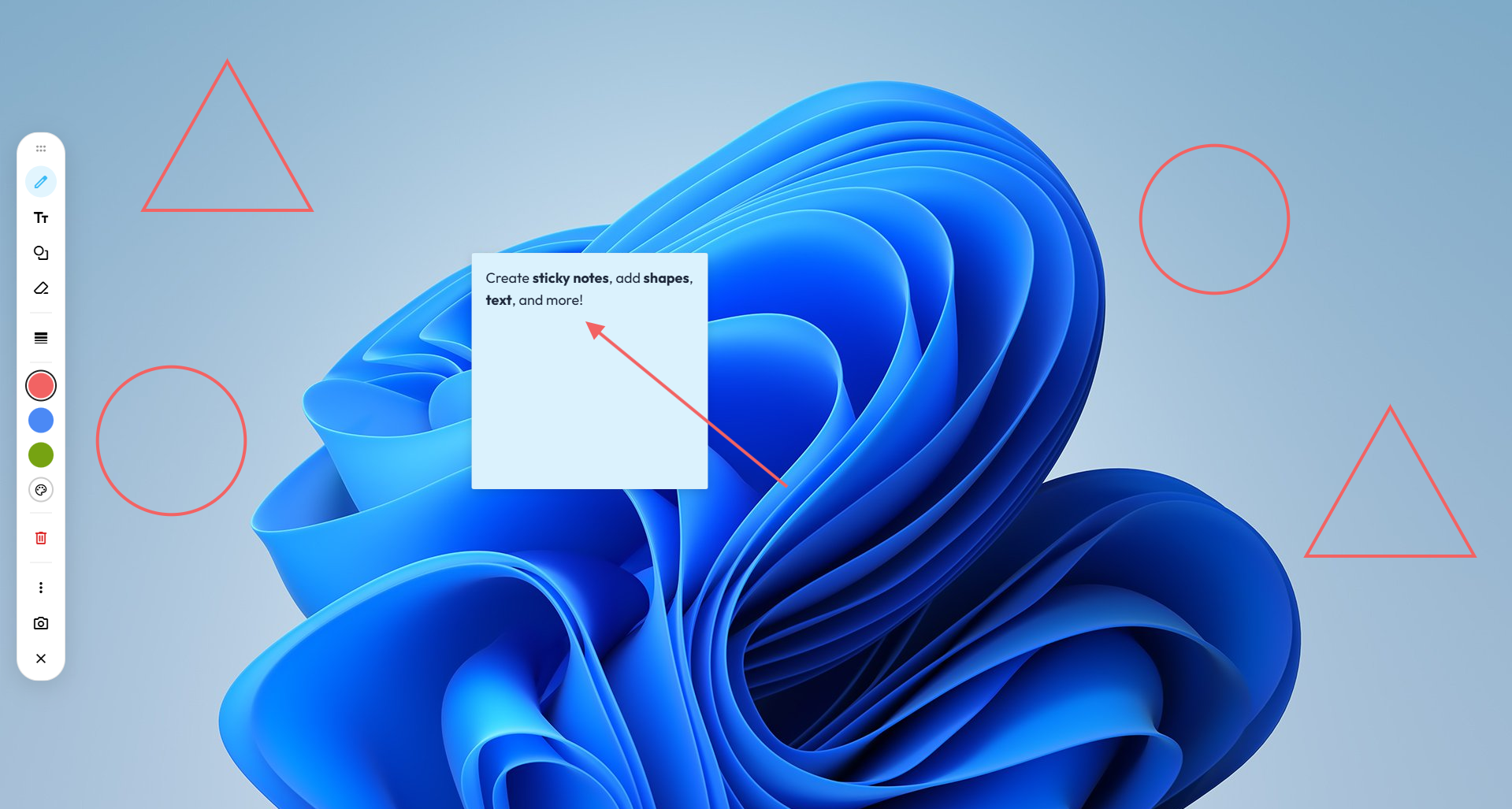
Powerful tools at your fingertips

Draw and annotate with various tools and colours with a clean, distraction-free interface.
Select any area of your screen and save it instantly.
Add text and solve math expressions automatically.
Customise colours, shortcuts, and more in settings.
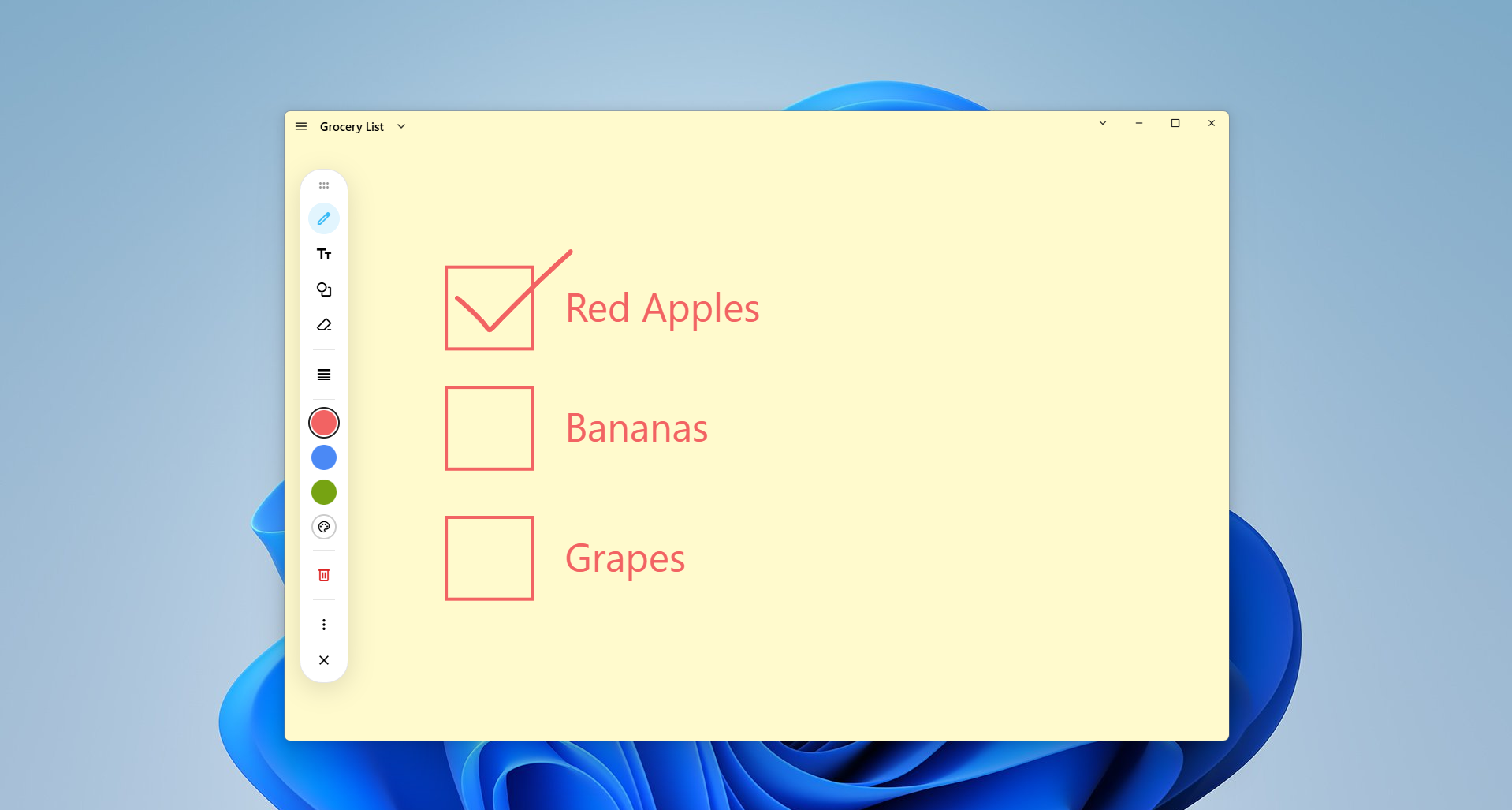
Auto-save and manage your annotation whiteboards.
Stores all your whiteboards locally on your device, with automatic saving and easy organisation through folders and search.
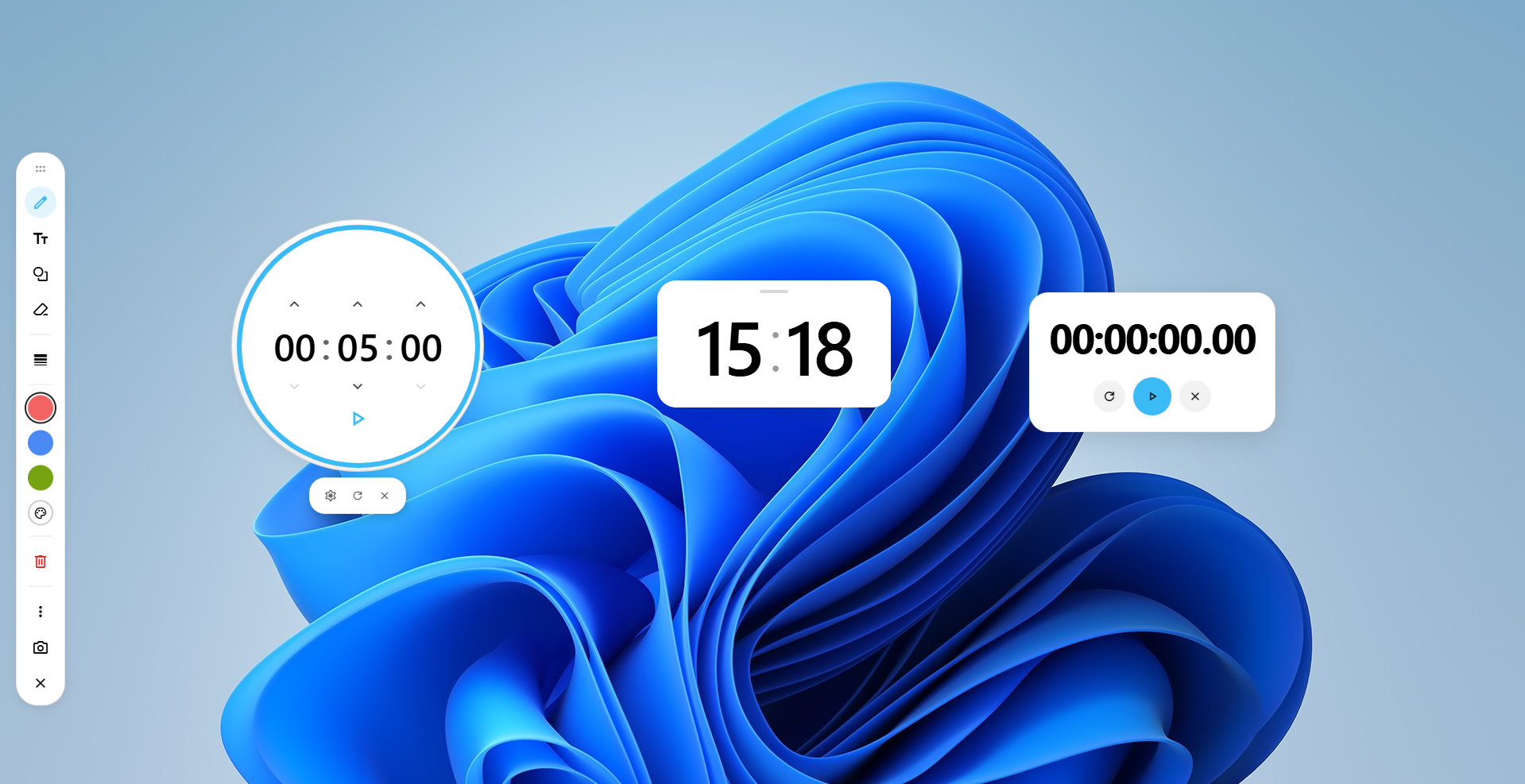
Useful widgets that help you manage time while you work. Drag them anywhere on your screen to suit your setup.
Private. Offline. On your device.
CYC Annotate works entirely offline. It never collects, stores, shares, or transmits your personal data or screen content.
Read the privacy policyAnnotation, whiteboards, and widgets work locally. Nothing is sent off your PC to use the app.
No personal data collection, analytics, or ads. Optional logs stay on your device unless you choose to share them.
Boards and settings are stored locally on your device.
FAQs
CYC Annotate is a desktop annotation and whiteboard tool for Windows to draw, type, add shapes, and place sticky notes over your screen (Mac support is planned for the future).
CYC Annotate is 100% free to download and use on Windows, with no hidden costs or subscriptions.
CYC Annotate works offline and does not collect, store, or transmit your personal data or screen content. Optional hosted AI is separate: only the text you choose to send from the app leaves your device. For further information, please read our privacy policy.
Press Ctrl + Shift + D to toggle the screen overlay toolbar, and press Ctrl + Shift + W while the overlay is active to launch a whiteboard (customisable in settings).
It pauses drawing so you can click through the canvas to interact with background applications (toggle instantly with Space).